

Network Studio: a glimpse of drawing to cabling design.
Network Studio is a concept demo, a storyboard of what AI for engineering could look like for structured cabling and Wi-Fi. It follows one office drawing as outlets and Wi-Fi access points are placed, the building rises into 3D, cable routes run back to the comms rack and a bill of materials and budget build up alongside. It is not a product or a design tool for sale. It is a picture of what is possible.
Interactive concept demo
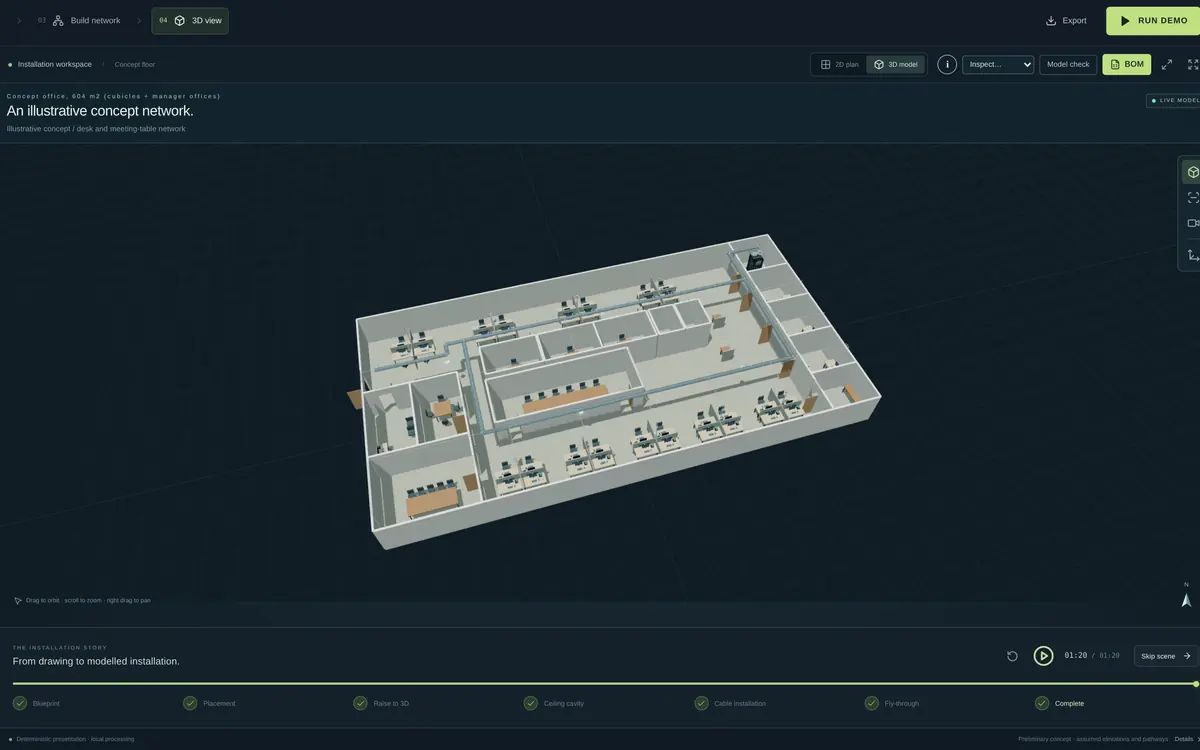
About 1.5 MB. Works best on a laptop or desktop.
Concept demo Open Network Studio full screen
A concept storyboard, not a design tool, survey or quote. It runs on a concept office plan adapted from a U.S. General Services Administration space model (public domain), used only to illustrate the idea; it is not a real building. Quantities and prices are illustrative demonstration figures. Nothing here is certified for RF coverage or construction compliance. Nothing is sent anywhere; any changes you make are kept only in this browser.
What Network Studio shows.
What if the drawing did the counting?
The storyboard uses one 604 m² concept office of cubicle pods, manager offices and a reception: 41 wired seats, 52 outlet locations, 4 ceiling Wi-Fi access points and 57 permanent links back to a 42RU comms rack. Outlets, access points, routes and switch ports are drawn as one model, so the cable schedule and material list read straight from the picture instead of a spreadsheet kept on the side.
Change the spec, see the story change.
Switch between IP desk phones at every seat, computers only, or a Wi-Fi-only design with a small wall cabinet, and the drawing, switch count, materials and illustrative budget shift together. It shows how the slow, repetitive part of estimating could feel if AI carried it.
Things to play with
Configure and price
Open Configure & price and switch between the three scenes to see the design, the rack and the illustrative budget move.
Look around in 3D
Pick an outlet, access point or the rack and fly to it in a cutaway 3D view.
Run the storyboard
Press RUN DEMO for the guided sequence from drawing to cabled building.
Built on the Sunshine Coast, for Queensland work.
Offices, clinics, schools and new fit-outs from Noosa to Caloundra all start with the same questions: how many outlets, how many access points, how much cable and what will it cost? Network Studio is a glimpse of how Sunshine Coast and Queensland integrators, electricians and builders could get to those answers faster with AI.
The studios are storyboards of what could be, not products for sale. If one of them sparks an idea for your business, the useful next step is a conversation about what AI could do for the way you work.
The other studios.
-
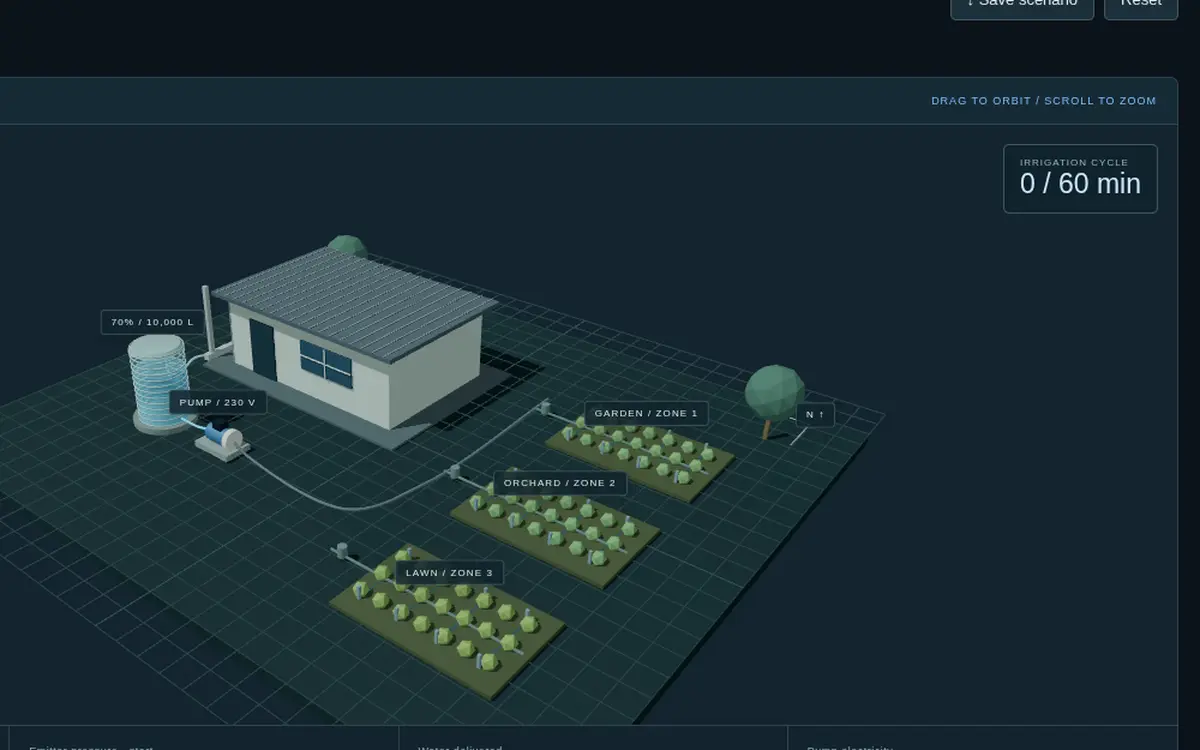 Water StudioA storyboard of a rainwater tank, pump and irrigation zones, showing how design choices could play out in pressure, flow and cost.
 -
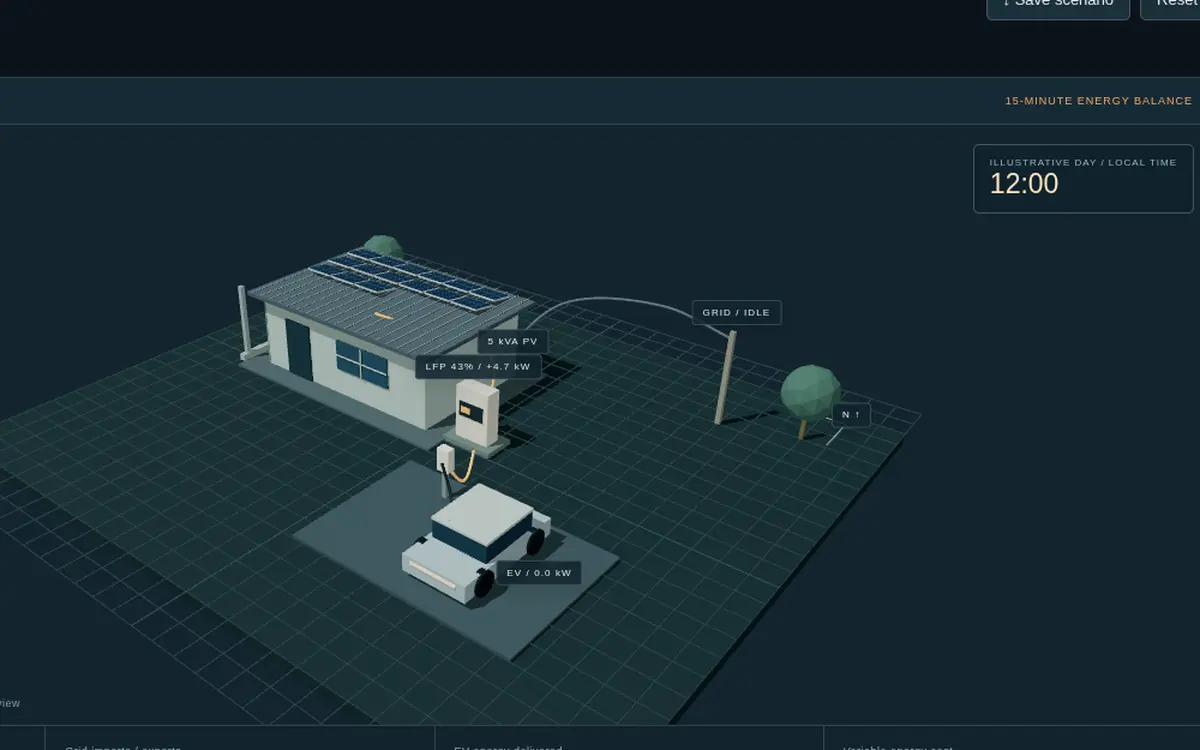 Energy StudioA storyboard of rooftop solar, battery storage and EV charging across a Queensland day.
 - All Engineering Studios, the intro film and the 2-minute guided tour
Curious what AI could do for your projects?
Tell me about the job that takes too long or the idea you keep coming back to. A first conversation is free, and you will come away knowing whether AI is worth it for you.
Prefer a chat? Leave your number and I'll call you back, usually within one business day.
- EmailSend me a message
- Call backRequest a call back
- WhereSunshine Coast, Queensland, in person or online